
Rent Online Today and Move In Today!
You must select MOVE IN to rent a unit. DO NOT select “Reservations” as it does not allow you to move into a unit until your reservation is confirmed by management and will delay your access to your unit.
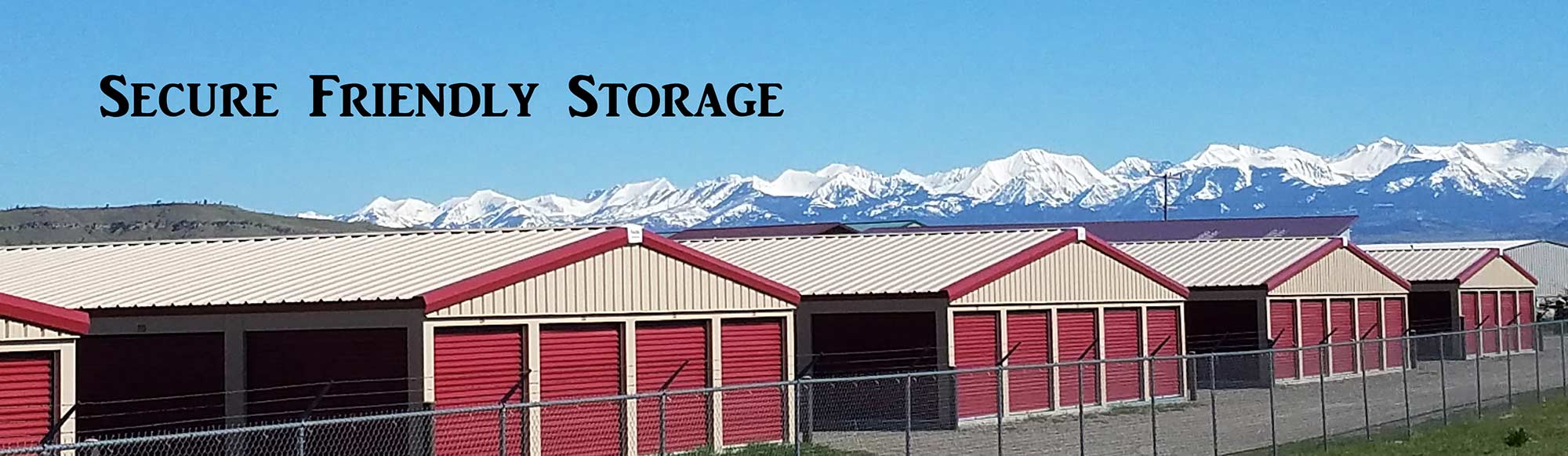
Livingston Storage Near You at Allied Storage
Rent a unit in a few easy steps!
- Select the unit size you need under Unit Availability. CHOOSE “MOVE IN” button. Don’t see the size you need then call 406-222-2101 to get on our wait list. – See Units page for Premium Unit description
- Complete the information requested and enter payment information. You can select auto pay at this time.
- You will be prompted to sign the lease agreement, view the Welcome Letter and the Rules and Regulations. Please note your unit number, which Lot you are on, and gate code on the lease or Welcome Letter. You will know the system is done when you see your receipt and email to view these documents.
- You will recieve an email with a link to the documents you just signed and viewed. These will include your unit number and gate code.
- NOTE: It can take 5-10 minutes for your gate code to update in the gate. Be patient as it will update soon.
- You will need a lock for your unit.
We will give you a call shortly after your move in is complete to confirm and go over your lease.
Thank you for choosing Allied Storage, your Livingston Storage Professionals!